
Character logic
This guide walks through the character flow any player sees: creation, selection, spawn, and load.
It is written for developers so you know which options to enable or disable, and where to change defaults in p-core config.
Character creation
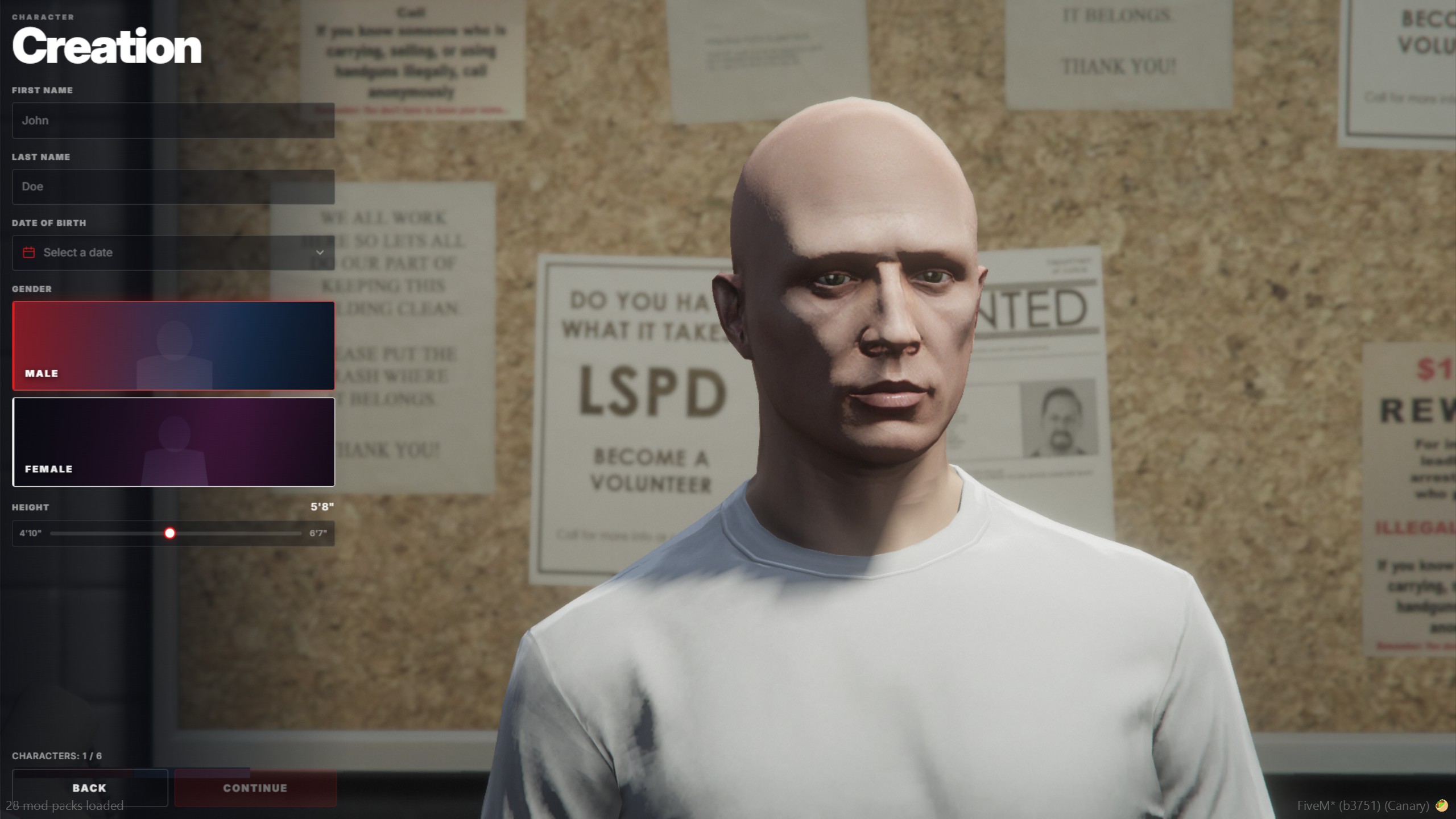
Players create a fully customizable character: first and last name, date of birth, gender, height, and more. The preview updates live while they fill in identity details.
Default appearance
New characters start from the default male/female skins in:
p-core/config/characters/sh_skin_defaults.lua
Edit defaultMaleSkin and defaultFemaleSkin (model, components, props, head blend, overlays). Restart the p-core resource after changes. Existing characters keep their saved skin.
Full appearance
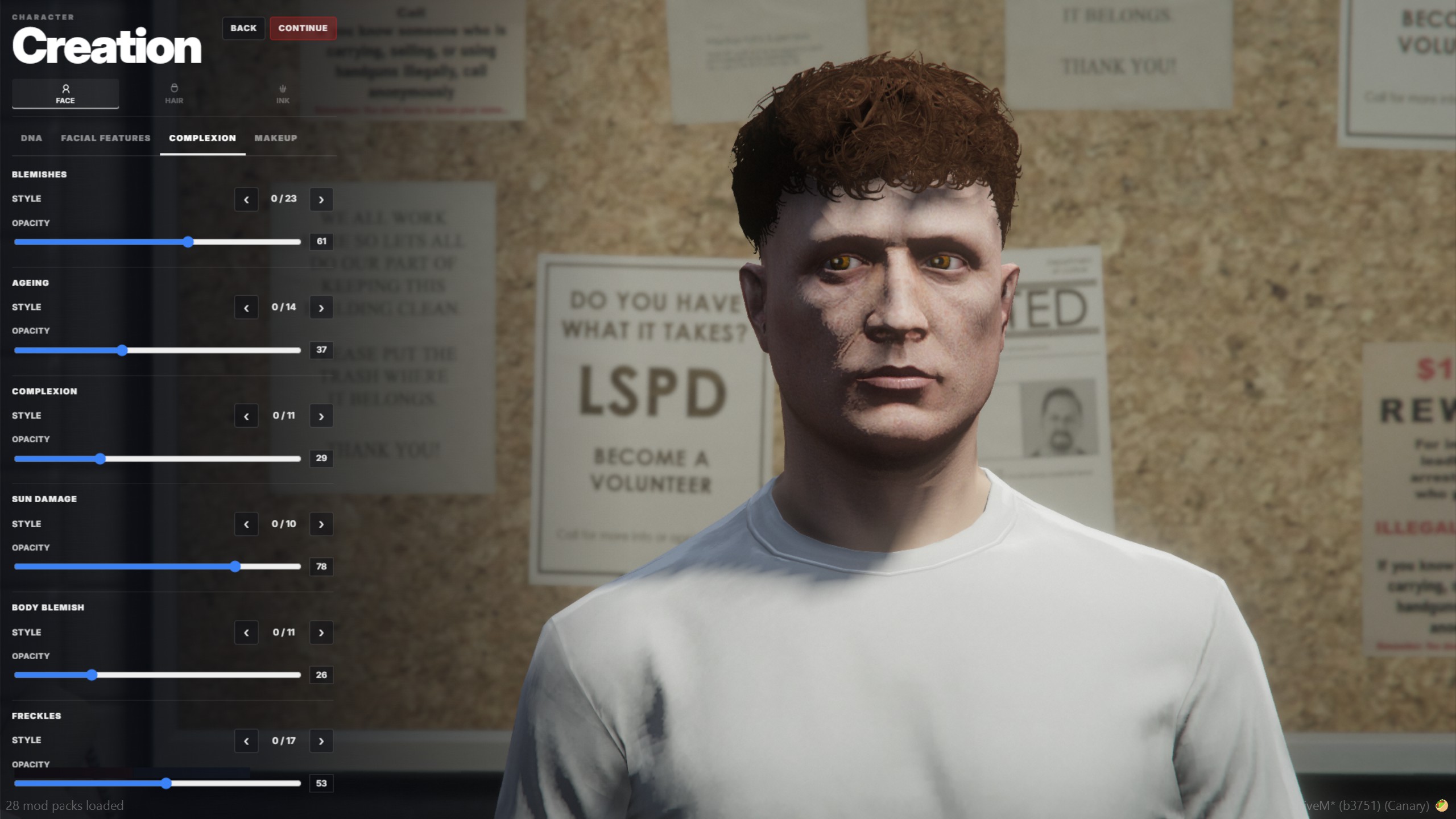
Players can customize their character head to toe — face, hair, ink, complexion, and related options.
Some options are only available during character creation. Staff with permissions can open the editor again later with:
/skin [id]Optional id is the target player server id. Requires the admin.skin permission (mod+).
Character selection
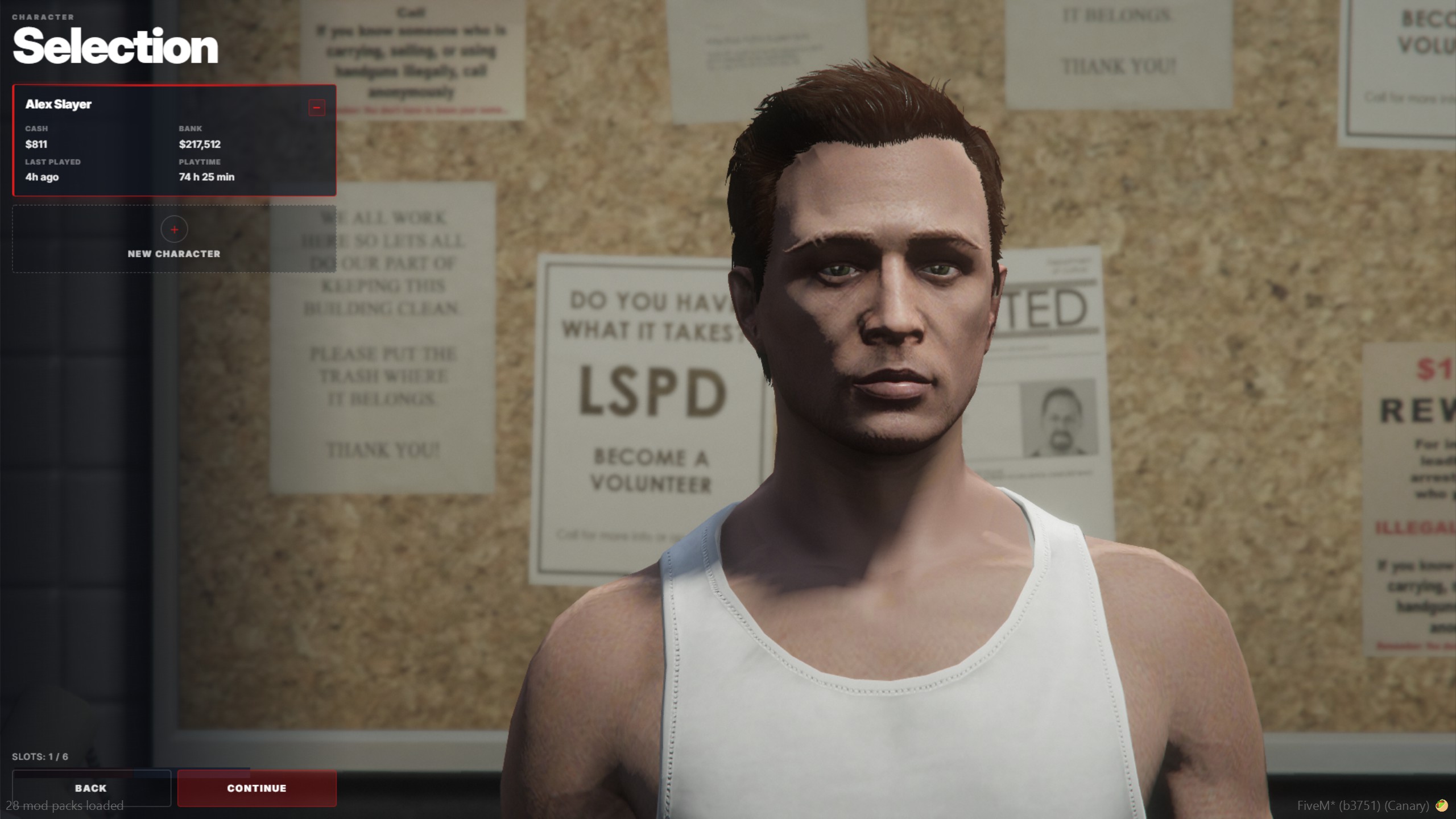
Players see all of their characters with quick info:
- Cash
- Bank
- Last played
- Playtime
Clicking a character shows a live preview. Players can also delete their own character from this screen.
Disable self-delete
Self-delete is enabled by default. Turn it off with:
cfg
set sv_characterSelfDelete 0Disable character selection
Character selection is enabled by default. Turn it off with:
cfg
set sv_characterSelection 0When selection is off, players skip the multi-character UI and attach more directly.
Config fallbacks for these toggles live in p-core/config/characters/sh_character_spawn.lua (characterSelfDeleteEnabled, characterSelectionEnabled). A set convar always wins (1 = on, 0 = off).
Spawn selection
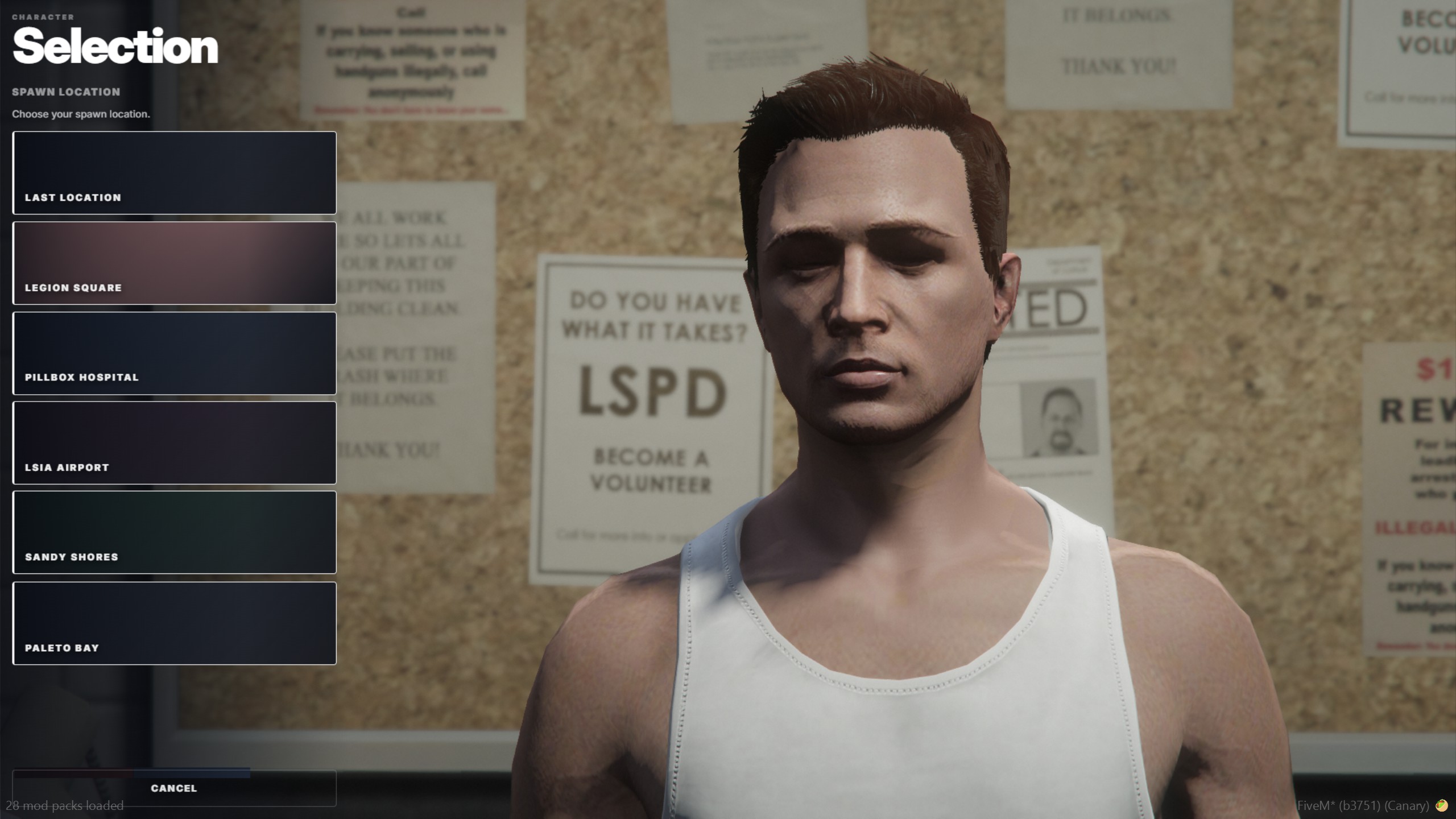
After picking a character, players choose a spawn location (for example last location, Legion Square, Pillbox Hospital, LSIA, Sandy Shores, Paleto Bay).
Customize spawn points
Edit the spawn list in:
p-core/config/characters/sh_character_spawn.lua
Change spawnPointsByGame / spawnPoints entries (id, label, coords as vec4). You can also adjust lastLocationSpawnId, selectionCoords, and the feature flags in the same file.
When spawn selection is off (or an id is invalid), the fallback world spawn is defaultSpawn in:
p-core/config/characters/sh_character_creation.lua
Disable spawn selection
Spawn selection is enabled by default. Turn it off with:
cfg
set sv_characterSpawnSelection 0Transition

After the player confirms a spawn, a map transition plays between selection and character load.
Ready to play
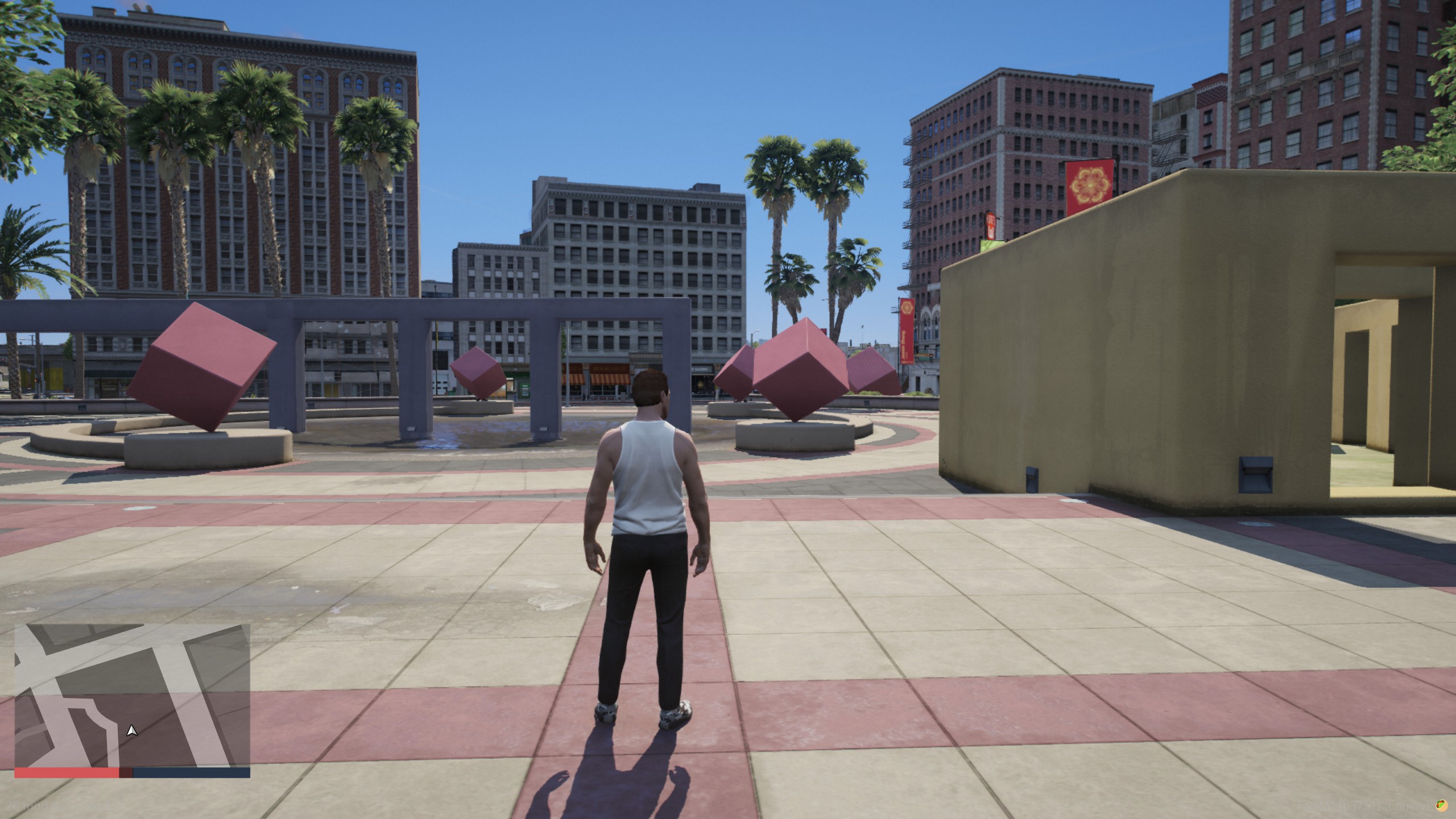
The character loads with the required modules. Once that finishes, the player is in the world and ready to play.